

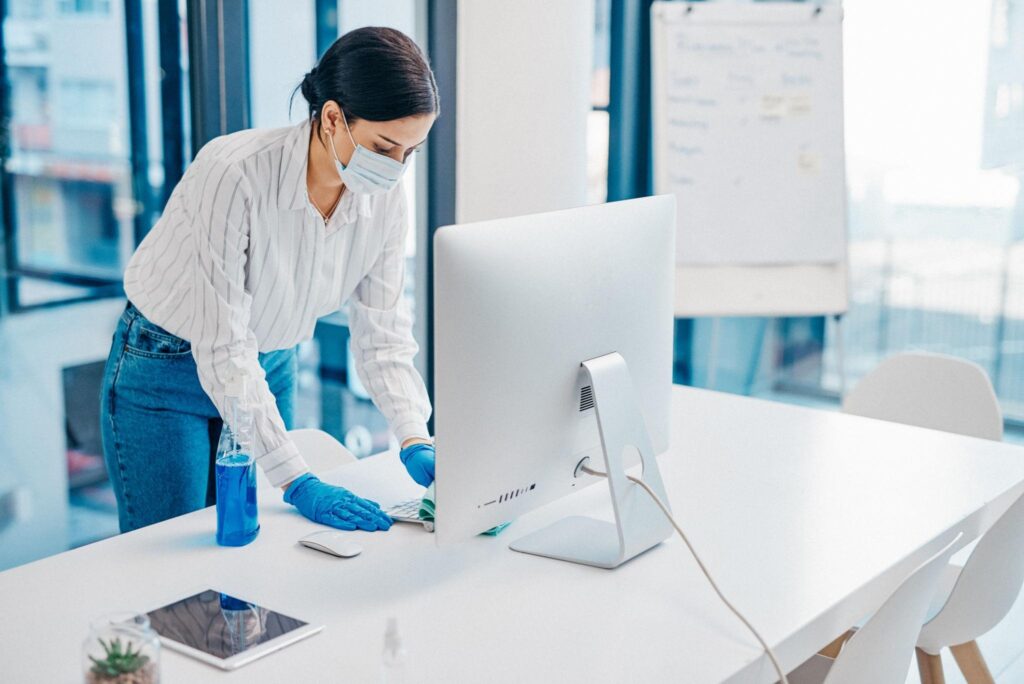
Keeping your office computers clean isn’t just about appearance—it’s essential for hygiene, productivity, and the longevity of your equipment. In busy workplaces like corporate offices and banks, computer screens and keyboards are used constantly, making them a hotspot for dust, fingerprints, and bacteria.
In this guide, we’ll cover the best way to clean a computer screen, monitor, and keyboard in the office, along with expert tips to maintain a clean and professional workspace.
Why Office Computer Cleaning Matters
In workplaces such as offices and financial institutions, shared devices are used throughout the day. Without proper cleaning, these can quickly become unhygienic and impact both employee wellbeing and performance.
Key benefits:
- Promotes workplace hygiene
- Improves screen clarity and usability
- Extends device lifespan
- Supports a professional business environment
Businesses that already invest in office cleaning services often overlook IT equipment—but screens and keyboards should be part of that routine.
Similarly, environments like banks require even higher standards. If you operate in such sectors, integrating cleaning with bank cleaning services ensures compliance and cleanliness across all touchpoints.
Best Way to Clean Computer Screen & Monitor
Cleaning a monitor correctly is crucial to avoid scratches or permanent damage.
What You’ll Need:
- Microfibre cloth
- Distilled water or screen-safe cleaner
- Lint-free wipes
Step-by-Step:
- Turn off and unplug the monitor
- Wipe gently with a dry microfibre cloth
- Lightly dampen the cloth (never spray directly)
- Clean in circular motions
- Allow the screen to air dry
Avoid:
- Paper towels
- Harsh chemicals (like ammonia)
- Excess moisture
Related Keywords Used:
- cleaner for computer monitor
- clean monitor screen
- clean screen computer
- best way to clean computer screen
In high-traffic environments like offices and banks, screens may require more frequent cleaning to maintain visibility and hygiene standards.
How to Clean Laptop & Desktop Keyboards
Keyboards are one of the most used—and most contaminated—items in any workplace.
What You’ll Need:
- Compressed air
- Disinfectant wipes
- Cotton buds
Cleaning Steps:
- Switch off and unplug
- Shake gently to remove debris
- Use compressed air between keys
- Wipe keys with a damp disinfectant cloth
- Clean edges carefully
Keywords Covered:
- clean laptop keyboard
- clean keyboard
For shared workspaces, especially in banks or reception areas, keyboards should be disinfected regularly to maintain hygiene compliance.
Office & Bank Cleaning Considerations
Different work environments require different cleaning standards, but one thing remains consistent—computers are always in use.
Offices:
- Daily use across multiple employees
- Moderate cleaning frequency required
- Combine with routine office cleaning services for consistency
Banks & Financial Institutions:
- High-touch public environments
- Strict hygiene expectations
- Require detailed cleaning alongside bank cleaning services
In both cases, integrating IT equipment cleaning into your overall cleaning strategy ensures no critical area is overlooked.
Common Mistakes to Avoid
- Spraying liquid directly onto screens
- Using rough materials
- Ignoring keyboard hygiene
- Cleaning devices while powered on
Avoiding these mistakes helps protect your equipment and ensures safe cleaning practices.
FAQs
1. What is the best cleaner for a computer monitor?
A microfibre cloth with distilled water or a screen-safe solution is the safest option.
2. How often should office computers be cleaned?
Screens should be cleaned weekly, while keyboards—especially shared ones—should be cleaned daily.
3. Can cleaning damage a monitor?
Yes, if harsh chemicals or excessive moisture are used.
4. Why is computer cleaning important in banks?
Banks have high customer interaction, making hygiene essential for both staff and visitors.
Final Thoughts
Maintaining clean computer screens and keyboards is essential in both offices and banks. It improves hygiene, enhances productivity, and helps create a professional environment.
By combining proper techniques with routine cleaning services, businesses can ensure their workplaces remain safe, efficient, and presentable.
Upgrade Your Workplace Cleaning Standards Today
Looking to maintain a cleaner, healthier workplace?
Explore professional cleaning solutions at Xpect Group.
From office environments to banks, we deliver reliable, high-quality cleaning services tailored to your business needs.
Get in touch today to elevate your workplace hygiene standards.